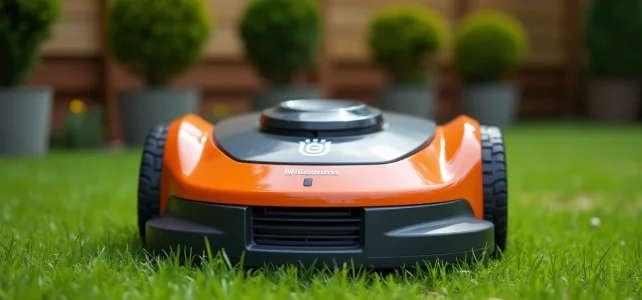
The manual for the Automower 310 is about sixty pages long, but a handful of parameters concentrate the majority of user questions. Cutting width, battery life, maximum slope, height settings: these technical data determine the mowing quality and compatibility with a given terrain. This article isolates the specifications that matter, compares them to those of the Mark II, and addresses a use case absent from the official documentation: operation in a shared garden.
Automower 310 and 310 Mark II: the technical differences that change usage
The original 310 and the 310 Mark II share the same name, but several upgrades modify the robot’s behavior on the ground. The table below summarizes the data from the product sheets and their respective manuals.
| Feature | Automower 310 | 310 Mark II |
|---|---|---|
| Working capacity | up to 1,000 m² | up to 1,000 m² |
| Cutting width | 22 cm | 22 cm |
| Cutting height | 2-6 cm (manual adjustment) | 2-6 cm (manual adjustment) |
| Max slope (middle of terrain) | 40 % | 40 % |
| Max slope (peripheral cable) | 15 % | 15 % |
| Battery life | 70 min | 70 min |
| Charging time | 60 min | 60 min |
| Battery | Li-Ion 18 V / 2.1 Ah | Li-Ion 18 V / 2.1 Ah |
| Noise level | 60 dB(A) | 60 dB(A) |
| Connectivity | Bluetooth (Connect Lite) | Bluetooth (Connect Lite) |
| Narrow passage detection | Yes | Yes (optimized) |
| Dimensions (L x W x H) | 630 x 510 x 250 mm | 630 x 510 x 250 mm |
On paper, the raw numbers are identical. The difference lies in the firmware and software processing. The Mark II benefits from refined narrow passage detection and better adaptation to irregular micro-reliefs, a point confirmed by recent independent tests from the magazine Que Choisir (April 2026) which place the Automower 310 ahead of the Segway Navimow and the Ecovacs Goat on this specific criterion.
To access the complete document, the Husqvarna 310 technical sheet and manual details each installation and configuration procedure, from the peripheral cable to the programming menus.
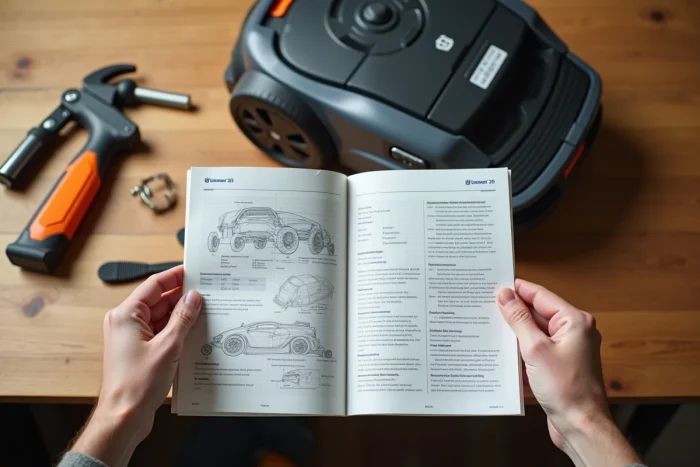
Husqvarna manual parameters often misconfigured
The manual covers the complete installation, but three settings concentrate the majority of terrain errors.
Cutting height and mowing frequency
The cutting height is manually adjustable between 2 and 6 cm via a dial under the chassis. Many users set it once and for all at 3 or 4 cm without reevaluating it. The manual recommends adjusting the height according to the season: higher in spring to avoid scalping a lawn in full growth, lower in summer when growth slows down.
The mowing frequency is programmed via the schedule menu. The robot covers approximately 56 m² per hour over an 18-hour work cycle. For a terrain of 800 m², planning daily time slots is sufficient. Reducing the time slots extends the delay between two passes and degrades the quality of mulching.
Peripheral cable and guide cable
The peripheral cable defines the mowing area. The manual specifies a minimum distance from fixed obstacles (walls, flower beds, paths). The guide cable serves as a return path to the charging station. Its position directly influences the time it takes for the robot to return, thus affecting the actual battery life available for mowing.
A common mistake is to lay the guide cable in a straight line along the entire length of the terrain. In an L-shaped garden or with narrow passages, a slightly offset path from the center of the lawn reduces unnecessary back-and-forth movements.
PIN code and anti-theft protocol
The four-digit PIN code is the first layer of protection against theft. The manual requires it to be set during the first commissioning. If the robot is lifted or moved outside its zone, it locks and requests the code. The rising trend of lawn mower thefts in Europe since 2024 makes this parameter less trivial than it seems.
Automower 310 in a shared garden: configuring the GeoFence for collective use
The Husqvarna manuals describe the GeoFence as a virtual perimeter linked to GPS tracking, designed for a single owner. In a community shared garden (co-ownership, collective garden, participatory housing), the configuration raises questions not covered by the manual.
The GeoFence triggers an alarm if the robot exits a defined radius around the station. For a shared garden, this radius must encompass the entire mowed area, including plots far from the base. If the station is installed in a corner of the terrain, the GeoFence perimeter must be expanded accordingly via the Automower Connect app.
- Define a PIN code known to all co-managers, or designate a single referent who manages access via the Bluetooth app
- Position the charging station in an accessible but protected area, equidistant from the main plots to optimize return trips
- Program distinct time slots if the garden includes play areas for children, stopping mowing during occupied hours
- Ensure that the GeoFence perimeter covers the entire terrain without including public access ways, which would trigger false alarms
The Bluetooth connectivity of the 310 (range of about 10 meters) limits configuration to the immediate vicinity of the robot. For a large garden, the optional Automower Connect module adds remote GPS tracking, more suitable for collective management.
Regular maintenance and error messages of the Automower 310
The manual lists periodic maintenance operations. The pivoting blades are the main consumable. They should be replaced as soon as the cut becomes uneven, which is indicated by frayed grass blades rather than cleanly cut ones. The firmware update 6.2.1 from late 2025 has reduced premature blade wear on wet lawns according to feedback from professional users.
The error messages displayed on the screen (numeric or textual codes) are detailed in the dedicated section of the manual. The most common ones concern loss of signal from the peripheral cable, wheel blockage, and charging failure. Each message is associated with a step-by-step corrective procedure.
Cleaning the lower chassis after each season, visually checking the wheels, and storing the battery charged to half capacity for winter are the three actions that extend the robot’s lifespan beyond standard expectations. Regular maintenance according to the manual avoids the majority of after-sales service interventions.